July 17, 2026 · 7 min read · 12 views
Is Public Wi-Fi Safe? How to Protect Your Data on Free Networks
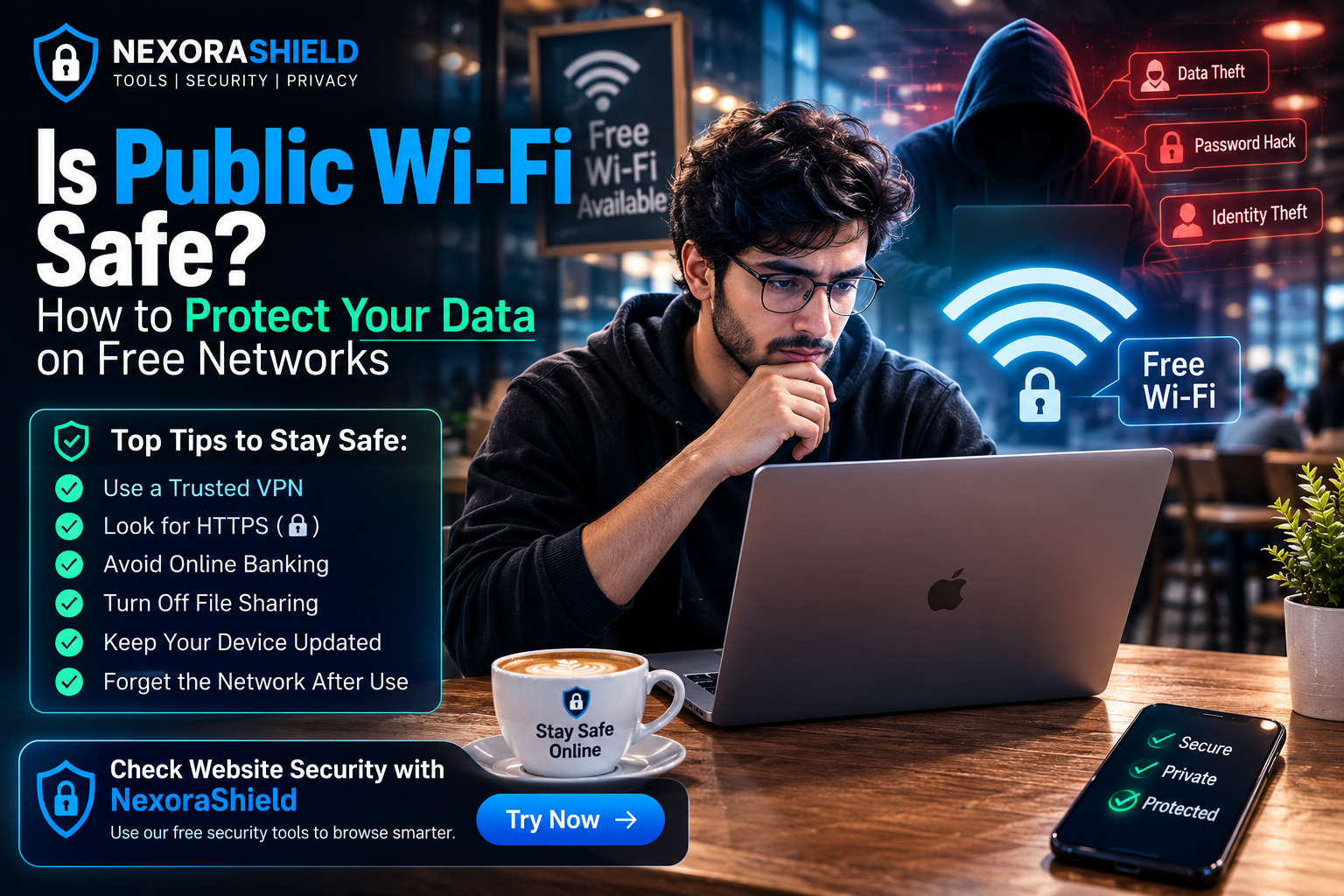
Free Wi-Fi is everywhere—airports, cafes, shopping malls, hotels, universities, and even public parks. It offers convenience, but it also comes with significant cybersecurity risks.
Many people connect to public Wi-Fi without thinking twice, using it for online banking, social media, shopping, or work. Unfortunately, unsecured public networks can expose sensitive information to cybercriminals.
In this guide, you'll learn how public Wi-Fi works, the risks involved, and the best practices to keep your data secure.
What Is Public Wi-Fi?
Public Wi-Fi is a wireless internet network that anyone can connect to without using a private password. These networks are commonly available in:
Coffee shops
Airports
Hotels
Restaurants
Shopping malls
Libraries
Universities
While convenient, many public Wi-Fi networks lack proper security, making them attractive targets for hackers.
Why Is Public Wi-Fi Risky?
Unlike your home network, public Wi-Fi is shared with many users. If the network is not encrypted, attackers may intercept the information traveling between your device and the internet.
Common risks include:
Password theft
Identity theft
Fake login pages
Malware distribution
Session hijacking
Data interception
Common Attacks on Public Wi-Fi
1. Man-in-the-Middle (MITM) Attacks
In a MITM attack, a hacker secretly intercepts communication between your device and a website.
If the connection isn't properly encrypted, sensitive information such as usernames, passwords, and payment details may be exposed.
2. Fake Wi-Fi Hotspots
Attackers sometimes create fake networks with names like:
Free Airport Wi-Fi
Cafe Guest
Hotel Wi-Fi
Unsuspecting users connect to these fake hotspots, allowing hackers to monitor their online activity.
3. Malware Distribution
Some compromised networks can trick users into downloading fake software updates or malicious files.
4. Session Hijacking
If an attacker steals your session cookie, they may gain access to your online accounts without needing your password.
Warning Signs of Unsafe Public Wi-Fi
Be cautious if you notice:
No password requirement
Browser security warnings
Frequent pop-ups
Unexpected login pages
Network names that closely resemble official ones
Very slow or unstable connections
How to Stay Safe on Public Wi-Fi
Use HTTPS Websites
Always check for the padlock icon in your browser before entering sensitive information.
Use a Trusted VPN
A Virtual Private Network (VPN) encrypts your internet traffic, making it much harder for attackers to intercept your data.
Avoid Online Banking
Never access banking or financial accounts over unsecured public Wi-Fi unless absolutely necessary.
Disable File Sharing
Turn off file sharing and AirDrop (or similar features) while connected to public networks.
Keep Your Device Updated
Install the latest operating system and security updates to protect against known vulnerabilities.
Forget the Network After Use
Once you leave the location, remove the Wi-Fi network from your saved connections to prevent automatic reconnection.
Best Practices Checklist
Before connecting to public Wi-Fi:
Verify the official network name with staff.
Use a VPN whenever possible.
Avoid entering passwords on unknown websites.
Keep your firewall enabled.
Turn off Bluetooth if not needed.
Log out of important accounts after use.
How NexoraShield Can Help
If you're unsure whether a website is safe before logging in, use NexoraShield's security tools to inspect URLs, SSL certificates, and other security indicators.
Developing the habit of checking suspicious websites before entering personal information can significantly reduce your exposure to online threats.
Final Thoughts
Public Wi-Fi offers convenience, but convenience should never come at the cost of your online security.
By using trusted networks, enabling HTTPS, keeping your devices updated, and avoiding sensitive activities on unsecured connections, you can greatly reduce your cybersecurity risk.
A few simple precautions can protect your personal information and help you browse the internet with confidence.
Frequently Asked Questions
Is public Wi-Fi always unsafe?
Not always. Many public networks are secure, but because you usually don't control the network, it's best to treat every public Wi-Fi connection with caution.
Can hackers see my passwords on public Wi-Fi?
If a website is not properly encrypted or you connect to a malicious hotspot, attackers may be able to intercept sensitive information.
Should I use mobile data instead?
For banking, online payments, or other sensitive activities, mobile data is generally a safer option than an unknown public Wi-Fi network.
SSL Checker
Verify SSL certificate validity, expiry, and chain issues.
Password Strength Checker
Test password entropy and breach exposure.