July 17, 2026 · 9 min read · 6 views
Password Strength Checker: Why Strong Passwords Matter More Than Ever in 2026
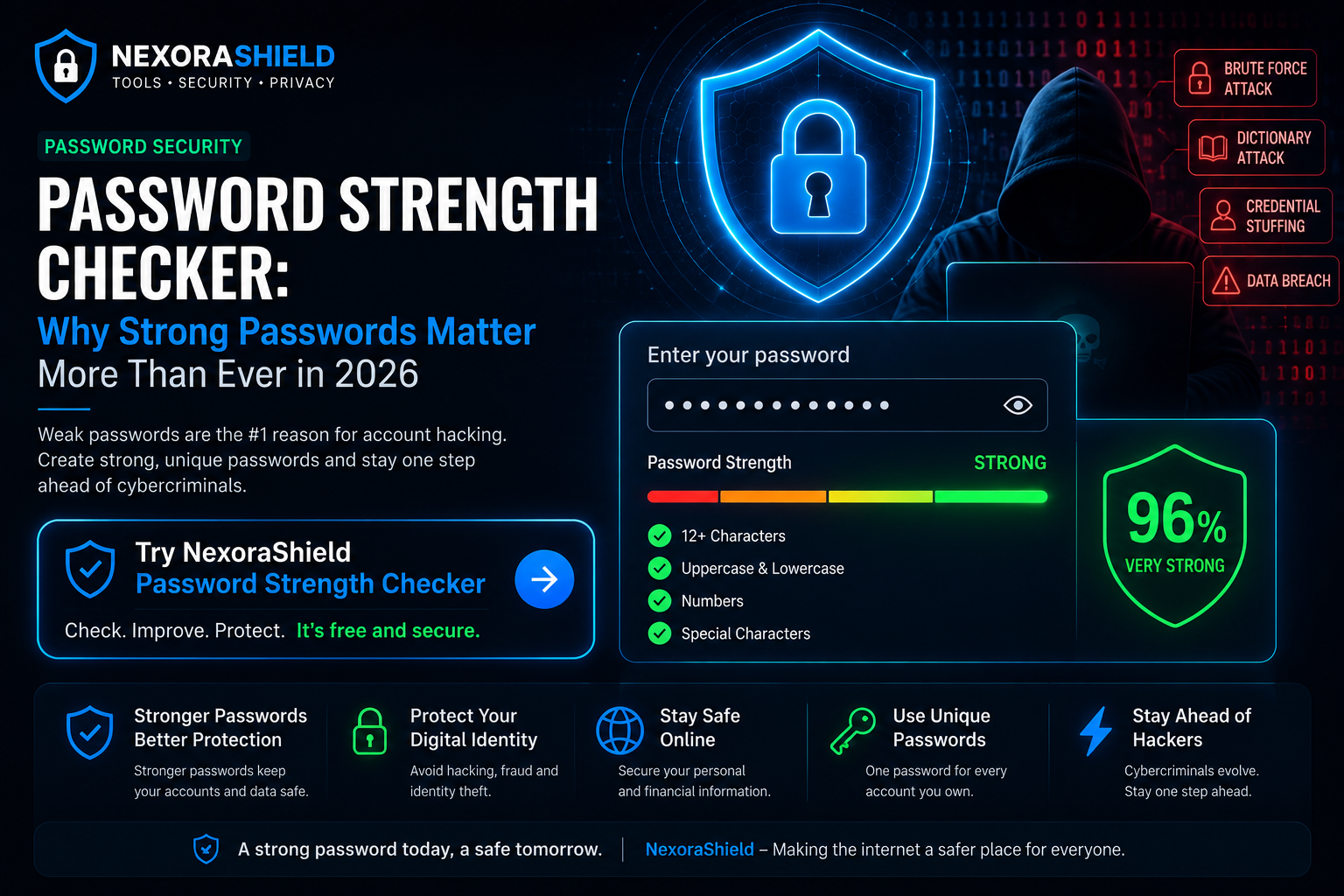
Every online account you own—whether it's your email, banking app, social media, or work account—is protected by a password. Yet millions of people still use weak passwords like 123456, password, or their date of birth.
Cybercriminals use automated tools capable of testing millions of passwords every second. A weak password can be cracked in seconds, while a strong one may take years or even centuries to break.
In this guide, you'll learn what makes a password strong, why password strength matters, and how you can protect your online accounts from hackers.
What Is a Password Strength Checker?
A Password Strength Checker is a security tool that analyzes your password and estimates how resistant it is against common attacks.
It evaluates factors such as:
Password length
Uppercase and lowercase letters
Numbers
Special characters
Predictable patterns
Dictionary words
Repeated characters
A strong password is much harder for attackers to guess or crack using automated software.
Why Weak Passwords Are Dangerous
Hackers don't manually guess passwords. They rely on powerful software that performs automated attacks.
Common attack methods include:
1. Brute Force Attack
The attacker tries millions of password combinations until the correct one is found.
2. Dictionary Attack
Instead of random combinations, attackers use lists of commonly used passwords and words.
3. Credential Stuffing
If one of your passwords is leaked in a data breach, attackers try the same password on multiple websites.
4. Password Spraying
Hackers test a small number of common passwords across many different accounts.
Characteristics of a Strong Password
A secure password should:
Be at least 14–16 characters long
Include uppercase letters
Include lowercase letters
Include numbers
Include special characters
Avoid dictionary words
Avoid personal information
Be unique for every account
Example:
❌ john123
❌ password2026
❌ india123
✅ M9!r#Q2vLp$7Xz@8
Common Password Mistakes
Avoid these common habits:
Using the same password everywhere
Including your name or birthday
Using simple keyboard patterns
Saving passwords in plain text files
Sharing passwords with others
How to Create a Strong Password
Here are some effective methods:
Use a Passphrase
Instead of a single word, combine unrelated words with numbers and symbols.
Example:
Coffee!Moon#River92
Use Random Characters
Randomly generated passwords provide the highest level of security.
Use a Password Manager
Password managers generate and securely store complex passwords, eliminating the need to remember them all.
Should You Change Passwords Regularly?
You don't need to change your password every month unless:
Your account has been compromised.
A service reports a data breach.
You shared your password accidentally.
You suspect unauthorized access.
How NexoraShield Helps
The NexoraShield Password Strength Checker instantly analyzes your password and provides feedback based on:
Password length
Complexity
Estimated crack time
Overall security rating
The analysis is performed locally in your browser, helping you evaluate password strength before using it for important accounts.
Password Security Checklist
Before creating a password, ask yourself:
Is it at least 14 characters?
Does it contain uppercase and lowercase letters?
Does it include numbers?
Does it contain special characters?
Is it different from my other passwords?
Does it avoid personal information?
If the answer is Yes to all of the above, you're already following strong password practices.
Final Thoughts
Your password is the first line of defense against cyber threats. A few extra seconds spent creating a strong, unique password can protect your personal information, financial accounts, and online identity.
Before using any new password, test it with the NexoraShield Password Strength Checker to ensure it meets modern security standards.
Frequently Asked Questions
How long should a secure password be?
Security experts generally recommend at least 14–16 characters for strong protection.
Is a longer password always better?
In most cases, yes. Longer passwords significantly increase the number of possible combinations, making them harder to crack.
Should I reuse passwords?
No. Every account should have its own unique password to prevent credential stuffing attacks.
Are password managers safe?
Reputable password managers use strong encryption and can be a practical way to manage unique passwords across multiple accounts.
Password Strength Checker
Test password entropy and breach exposure.