July 22, 2026 · 9 min read · 1 views
SSL Certificate Checker: What Is SSL and Why Every Website Needs It
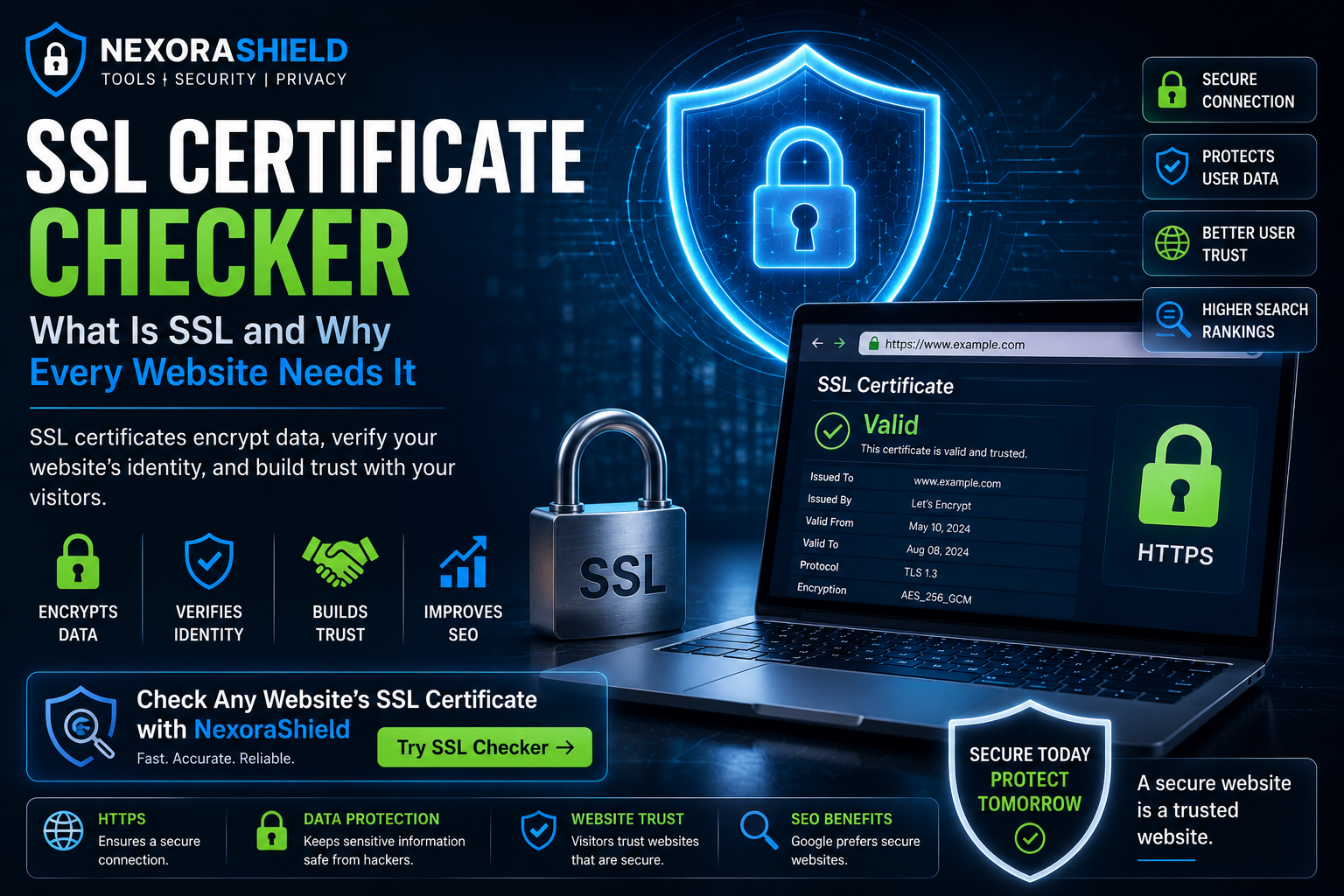
When you visit a website, have you ever noticed the small padlock icon next to the URL in your browser? That padlock represents an SSL certificate, one of the most important technologies used to keep your online data secure.
Whether you're logging into your email, making an online payment, or entering personal information, SSL encryption helps protect your data from hackers.
In this guide, you'll learn what SSL certificates are, how they work, why they matter, and how you can verify a website's security using an SSL Certificate Checker.
What Is an SSL Certificate?
An SSL (Secure Sockets Layer) certificate is a digital certificate that encrypts the connection between your browser and a website.
Modern websites primarily use TLS (Transport Layer Security), the newer and more secure version of SSL. However, the term "SSL" is still widely used.
When a website has a valid SSL certificate:
Data is encrypted during transmission.
Visitors can verify the website's identity.
Sensitive information is protected from interception.
How SSL Works
Here's what happens when you visit a secure website:
Your browser requests a secure connection.
The website sends its SSL certificate.
Your browser verifies the certificate.
An encrypted connection is established.
Data is securely exchanged.
This process happens in just a few milliseconds.
Why SSL Is Important
Without SSL encryption, attackers may intercept sensitive information such as:
Login credentials
Credit card details
Personal information
Business data
Email messages
SSL helps prevent many common cyberattacks by securing communication between users and websites.
How to Identify a Secure Website
Before entering personal information, check for these signs:
The website uses HTTPS instead of HTTP.
A padlock icon appears in the address bar.
The SSL certificate is valid and not expired.
The domain name matches the organization you expect.
Common SSL Problems
Some websites display security warnings because of:
Expired certificates
Self-signed certificates
Domain mismatch
Invalid certificate authority
Mixed content (HTTP resources on HTTPS pages)
These issues may reduce user trust and expose websites to unnecessary risks.
Benefits of SSL Certificates
Using SSL provides several advantages:
Encrypts sensitive information
Improves visitor trust
Supports secure online payments
Helps protect login credentials
Contributes to better search engine visibility
Meets modern browser security expectations
How NexoraShield SSL Certificate Checker Helps
The NexoraShield SSL Certificate Checker allows you to quickly inspect a website's SSL configuration.
You can verify:
Certificate validity
Expiration date
Issuing Certificate Authority
Encryption details
Domain information
Checking a certificate before trusting a website is a simple but effective security habit.
Best Practices for Website Owners
If you manage a website:
Always enable HTTPS.
Renew SSL certificates before they expire.
Redirect HTTP traffic to HTTPS.
Monitor certificate health regularly.
Avoid mixed content issues.
Final Thoughts
SSL certificates are one of the foundations of a secure internet. Whether you're browsing websites or managing one, verifying SSL certificates should become part of your regular cybersecurity routine.
Use the NexoraShield SSL Certificate Checker to inspect website security before sharing sensitive information online.
Frequently Asked Questions
Is HTTPS the same as SSL?
HTTPS is the secure version of HTTP that uses SSL/TLS encryption.
Can hackers bypass SSL?
SSL protects data during transmission, but it does not eliminate all security risks. Websites should also use secure coding, regular updates, and strong authentication.
Does SSL improve SEO?
Search engines generally prefer secure websites, making HTTPS an important best practice for both security and user trust.
SSL Checker
Verify SSL certificate validity, expiry, and chain issues.