July 27, 2026 · 9 min read · 2 views
Is Your Email Address Safe? How to Check if It Has Been Leaked in a Data Breach (2026 Guide)
Your email address is one of the most valuable pieces of personal information you own. It connects to your bank accounts, social media profiles, shopping websites, cloud storage, and work accounts.
Unfortunately, millions of email addresses are exposed every year through data breaches. Once your email is leaked, cybercriminals can use it for phishing attacks, spam campaigns, identity theft, and account takeover attempts.
In this guide, you'll learn what an email data breach is, how to check if your email has been compromised, and what steps to take to secure your online accounts.
What Is an Email Data Breach?
A data breach occurs when hackers gain unauthorized access to a company's database and steal sensitive information.
Depending on the breach, attackers may obtain:
Email addresses
Passwords
Phone numbers
Usernames
Home addresses
Payment information
Security questions
Even if only your email address is leaked, it can still be used in targeted phishing campaigns.
Why Is a Leaked Email Dangerous?
A compromised email address can lead to several cybersecurity risks:
Phishing Attacks
Attackers send fake emails pretending to be trusted companies to steal passwords or financial information.
Credential Stuffing
If you reuse passwords, hackers may try the same email-password combination on multiple websites.
Identity Theft
Cybercriminals combine leaked information from different breaches to impersonate victims.
Spam and Scam Messages
Leaked email addresses often end up on spam lists, increasing the number of fraudulent emails you receive.
Signs Your Email May Have Been Compromised
Watch for these warning signs:
Unexpected password reset emails
Login alerts from unknown devices
Emails marked as read without your knowledge
Messages sent from your account that you didn't write
Increased spam emails
Locked accounts due to suspicious activity
How to Check if Your Email Has Been Leaked
Follow these steps:
1. Search for Known Data Breaches
Use a trusted breach-checking service to see whether your email address appears in publicly known data breaches.
2. Review Account Activity
Check recent login history for your email account and other important services.
3. Monitor Security Alerts
Enable notifications for new logins and password changes.
What to Do If Your Email Was Leaked
If your email appears in a data breach:
Change Your Password Immediately
Create a strong, unique password that you haven't used elsewhere.
Enable Multi-Factor Authentication (MFA)
MFA provides an extra layer of protection, even if your password is stolen.
Change Reused Passwords
Never use the same password across multiple websites.
Review Connected Accounts
Check banking, shopping, social media, and cloud storage accounts for suspicious activity.
Stay Alert for Phishing Emails
Attackers often target victims shortly after a public data breach.
Never click suspicious links or download unexpected attachments.
How to Prevent Future Data Breaches from Affecting You
You cannot always prevent companies from being hacked, but you can reduce your personal risk.
Best practices include:
Use a password manager.
Enable MFA on every important account.
Keep your software updated.
Avoid clicking unknown links.
Use different passwords for every website.
Regularly review account security settings.
How NexoraShield Can Help
NexoraShield offers free cybersecurity tools designed to improve your online safety.
Before visiting unfamiliar websites or entering sensitive information, inspect URLs and website security to reduce the risk of phishing attacks and fraudulent websites.
Quick Security Checklist
Ask yourself:
Do I use a unique password for my email?
Is MFA enabled?
Have I reviewed my login history recently?
Do I recognize every device connected to my account?
Am I cautious when opening unexpected emails?
If the answer is Yes, you're already following several important cybersecurity best practices.
Final Thoughts
Email is the gateway to your digital life. Protecting it should be one of your highest cybersecurity priorities.
Regularly review your account security, enable Multi-Factor Authentication, and stay alert for suspicious emails. A few minutes spent securing your email today can prevent serious problems tomorrow.
Stay informed. Stay protected. Stay secure with NexoraShield.
Frequently Asked Questions
Can someone hack my account with only my email address?
Usually not. However, a leaked email address can be used in phishing attacks, credential stuffing attempts, and spam campaigns.
Should I create a new email address?
Not necessarily. If your account is protected with a strong password and MFA, changing your email is often unnecessary.
How often should I change my password?
Change your password immediately if you suspect compromise or after a confirmed data breach. Otherwise, use strong, unique passwords and monitor your accounts regularly.
Email Security Checker
Audit SPF, DKIM, and DMARC records for an email domain.
Email Breach Checker
Check if an email address has appeared in a data breach.
Related Articles
 Privacy
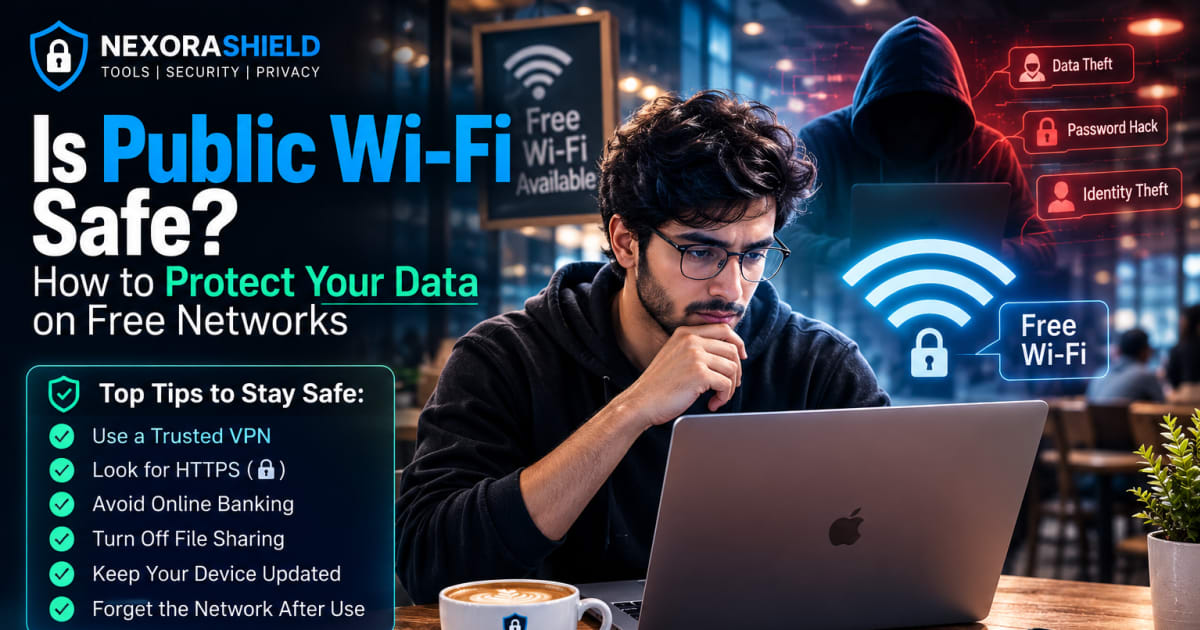
Is Public Wi-Fi Safe? How to Protect Your Data on Free Networks
Learn the risks of using public Wi-Fi and discover practical cybersecurity tips to protect your passwords, personal data, and online privacy while using free wireless networks.
 Phishing & Malware
I Clicked on a Phishing Link — What Should I Do? (Complete Recovery Guide 2026)
Accidentally clicked a phishing link? Learn exactly what to do if you entered your password, downloaded a file, or shared banking information. Step-by-step reco
 Network Security
SSL Certificate Checker: What Is SSL and Why Every Website Needs It
Search engines generally prefer secure websites, making HTTPS an important best practice for both security and user trust.